Exporting & ATS
Connect and push to your ATS
Link your ATS or CRM and push candidates straight into it — no manual CSV import.
Guides and answers to help you get the most out of Pickle.
Link your ATS or CRM and push candidates straight into it — no manual CSV import.
Create an Ashby API key, paste it into Pickle once, then send prospects into Ashby or straight onto an open job.
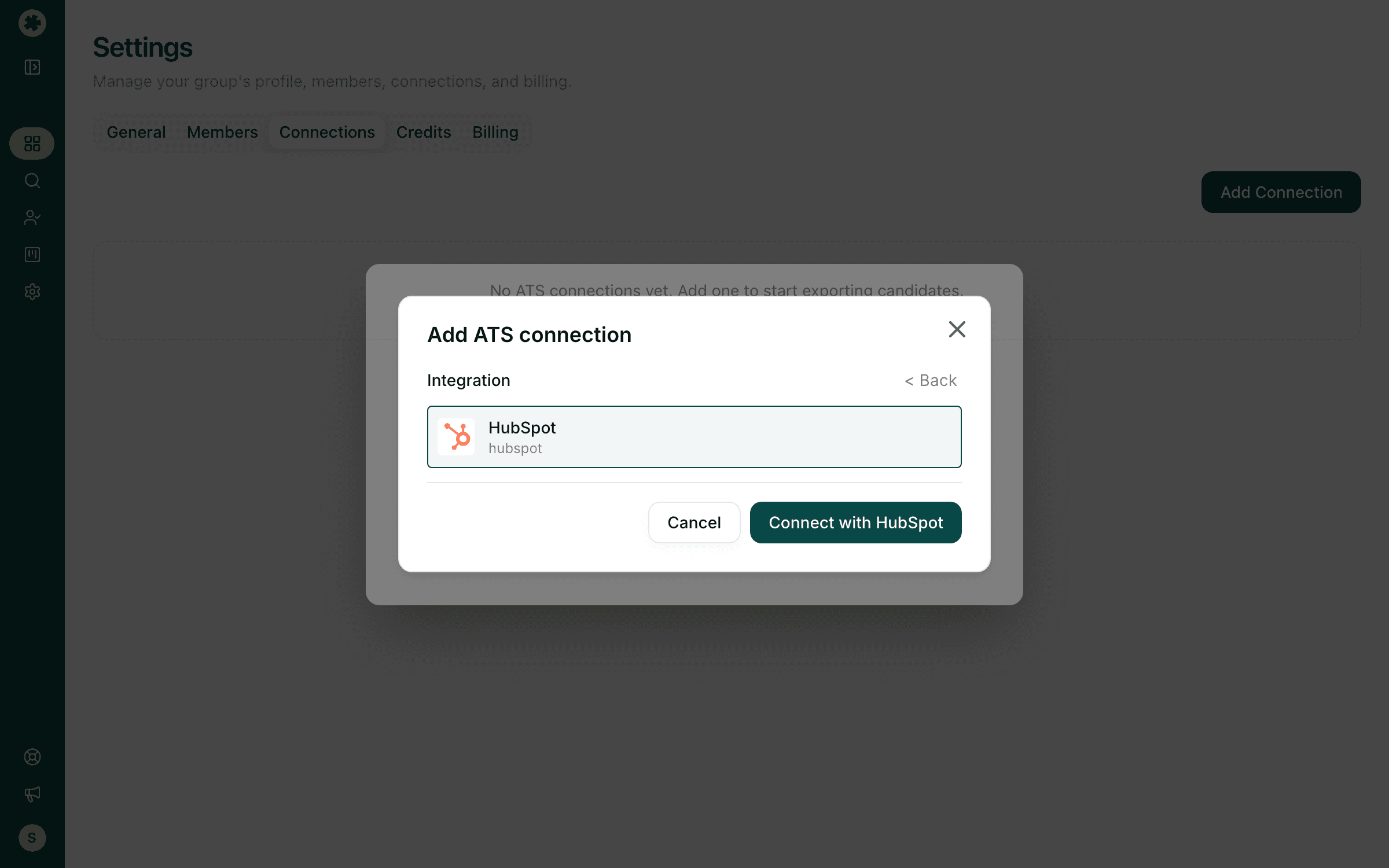
Link HubSpot once, then send prospects in as contacts — matched on email so existing records get updated.
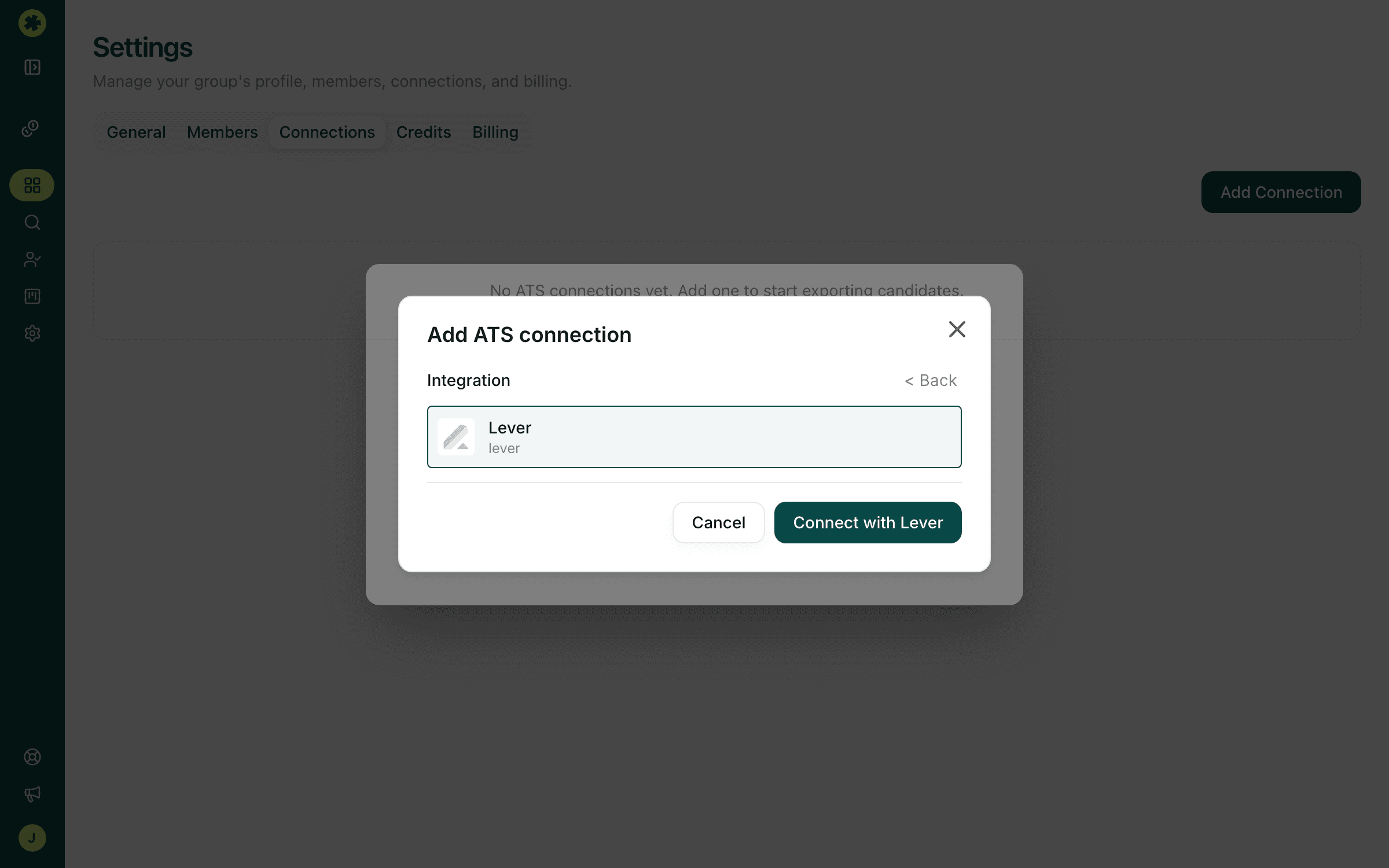
Link Lever once, then send prospects into Lever — to the general pool or straight onto an open posting.
Download your prospects as a CSV in a ready-to-import format for a client, a spreadsheet, or your ATS.