Get set up and signed in
Accept your invite, verify your email, and get into your Pickle workspace.
Getting into Pickle for the first time is two steps: accept the invite that added you to your organization, then sign in. After that you land on your dashboard.
Accept your invite
You'll receive an invitation email from Pickle. Click the link and create your account using the same email address the invite was sent to. Set a password when prompted, and verify your email if asked. Once your account exists and you've joined the organization, you're ready to sign in.
Sign in
Go to the Pickle sign-in page, enter your email and password, and click Login. You'll land on your organization's Dashboard — an overview of your prospect lists, your credit balance in the sidebar, and links to Search, Prospect Lists, and Analytics.
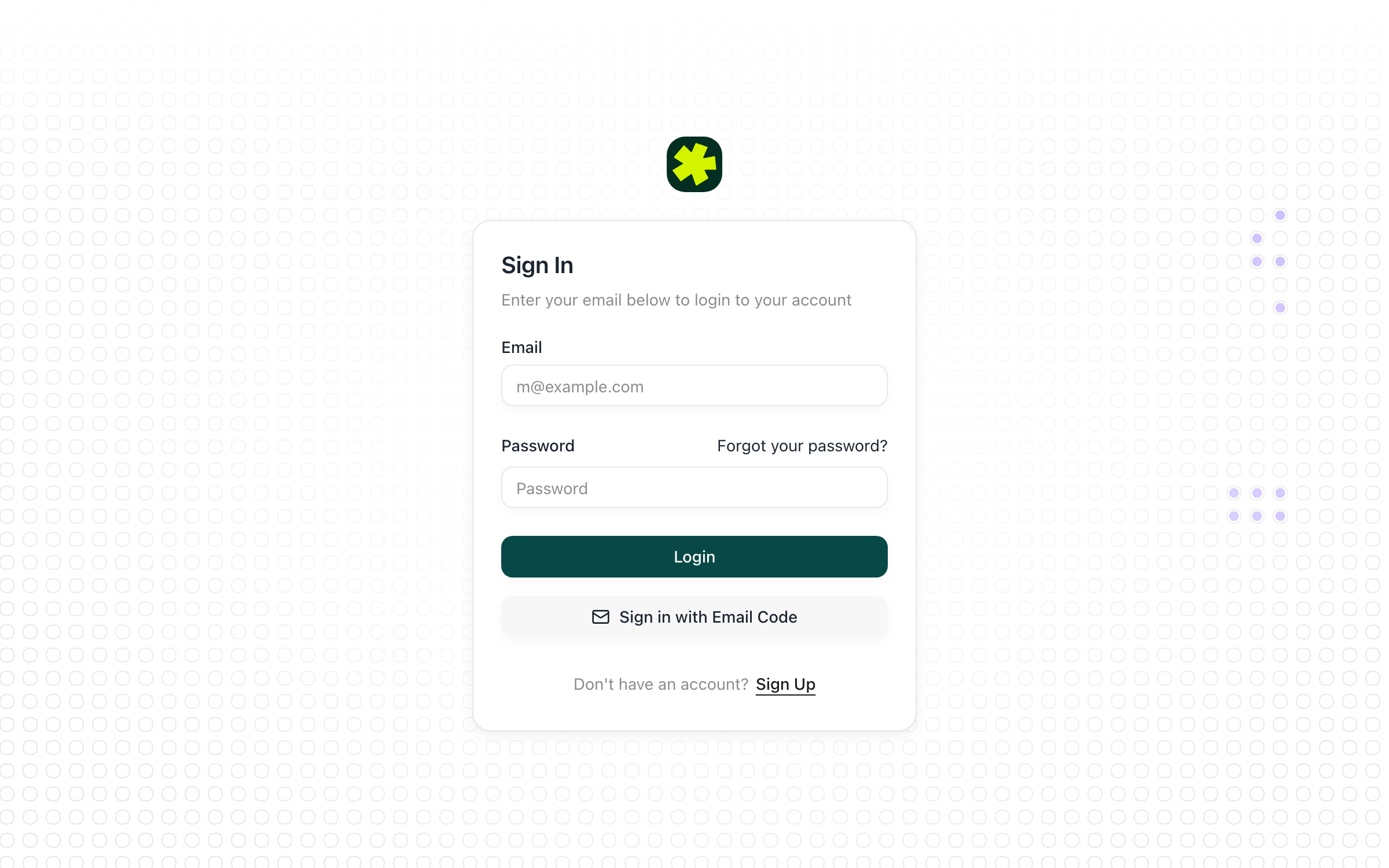
Sign in with an email code instead
Prefer not to use a password (or forgot it)? On the sign-in page, click Sign in with Email Code, enter your email, and click Send code. Pickle emails you a one-time code — enter it to finish signing in. The code expires after a few minutes, so request a new one if it lapses.
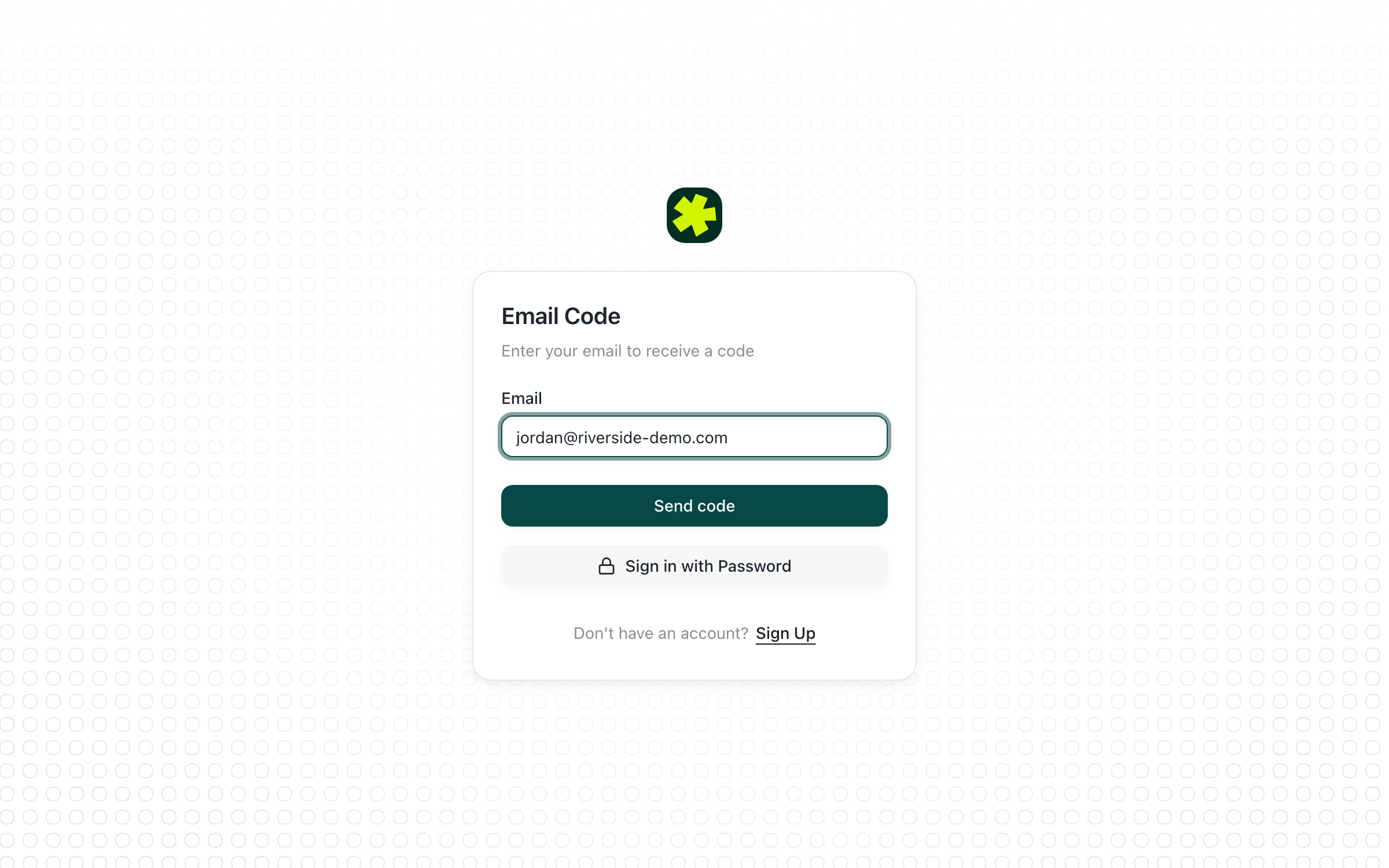
Reset your password
Forgotten your password? Click Forgot your password? on the sign-in page, enter your email, and follow the reset link Pickle sends you to set a new one.
Troubleshooting
I never received the invite, verification, or password-reset email.
Most often your company's email server is blocking messages from Pickle. Ask your IT or email admin to allowlist the @withpickle.com domain, then resend. Also check your spam/junk folder and wait a minute or two before retrying.
The invite link gives an error, or I can't get into my account.
Make sure you're signing up with the exact email the invite was sent to. If you already created an account, the only step left may be accepting the invite to join your organization. If you're stuck, use Forgot your password? or Sign in with Email Code to get in.
I landed in the wrong organization.
Use the account menu in the bottom-left of the sidebar to switch between organizations you belong to.
Related articles
Understand how Pickle works
How Pickle fits outbound healthcare recruiting — sourcing clinicians, reaching out, and building relationships through to the hire.
Getting Started & AccountInvite teammates and set permissions
Add colleagues to your organization and give each the right level of access.